BEAR - WooCommerce Bulk Editor and Products Manager Professional
How to bulk delete products in WooCommerce
Bulk delete of WooCommerce products works in the premium version of the plugin only.
Using tab Filter filter necessary products to be deleted. Also you can use checkboxes which has higher priority in the selection
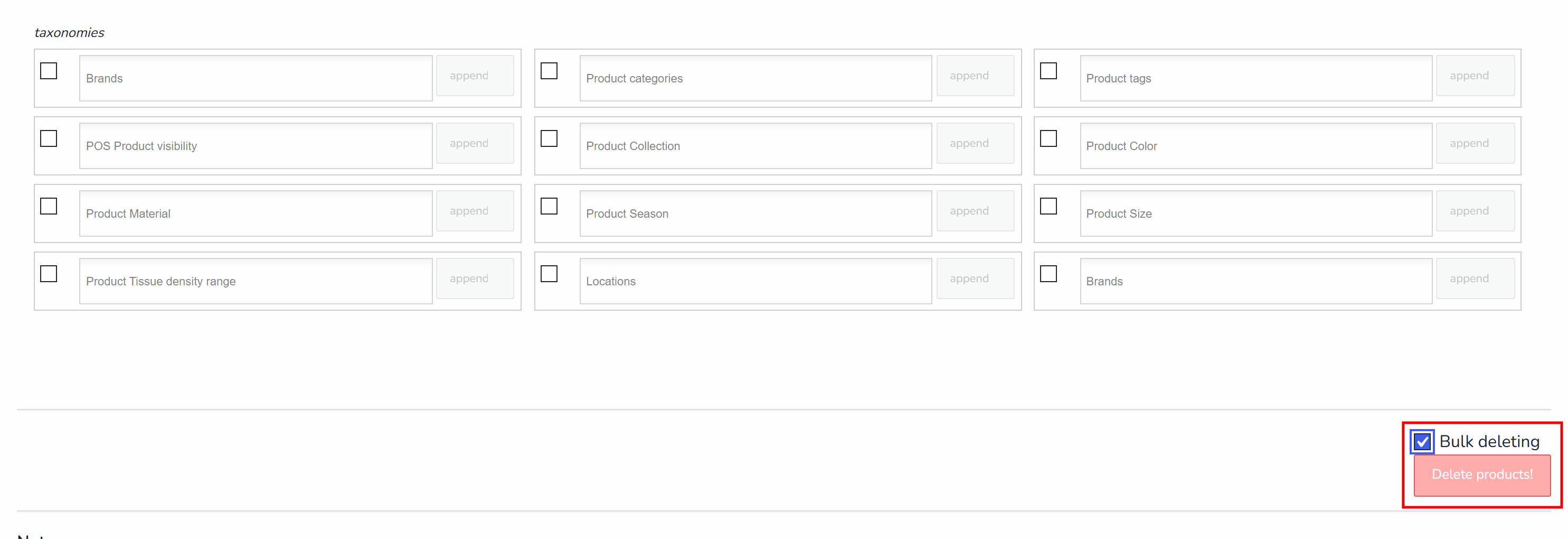
Then go to tab Bulk Edit and check there checkbox 'Bulk deleting'
Press button 'Delete Products!' and wait until operation is done
NOTE: Make backups before such operations as History doesn't work in this case, but deleted products (not variations) you can always find in WooCommerce trash bin (wp-admin/edit.php?post_status=trash&post_type=product) if it will be necessary.
🌸
Documentation for BEAR - WooCommerce Bulk Editor and Products Manager Professional: tabs, tools and developer guides
Documentation — BEAR Bulk Editor
We use cookies to ensure that we give you the best experience on our website. If you continue to use this site we will assume that you are happy with it.