How to bulk edit WooCommerce product images and add 2 new photos to every gallery?
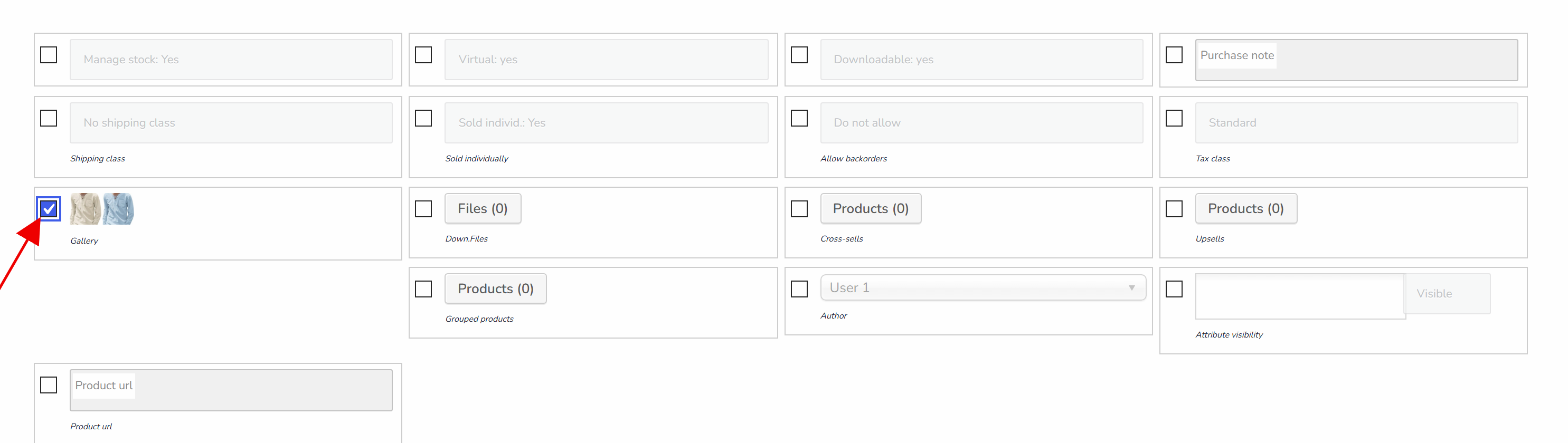
- Enable column 'Gallery' in the tab Settings and press Save button there
- By Filters select the products by categories or other parameters
- Open Bulk Edit tab -> tab Additional
- Find and enable there button 'Images'
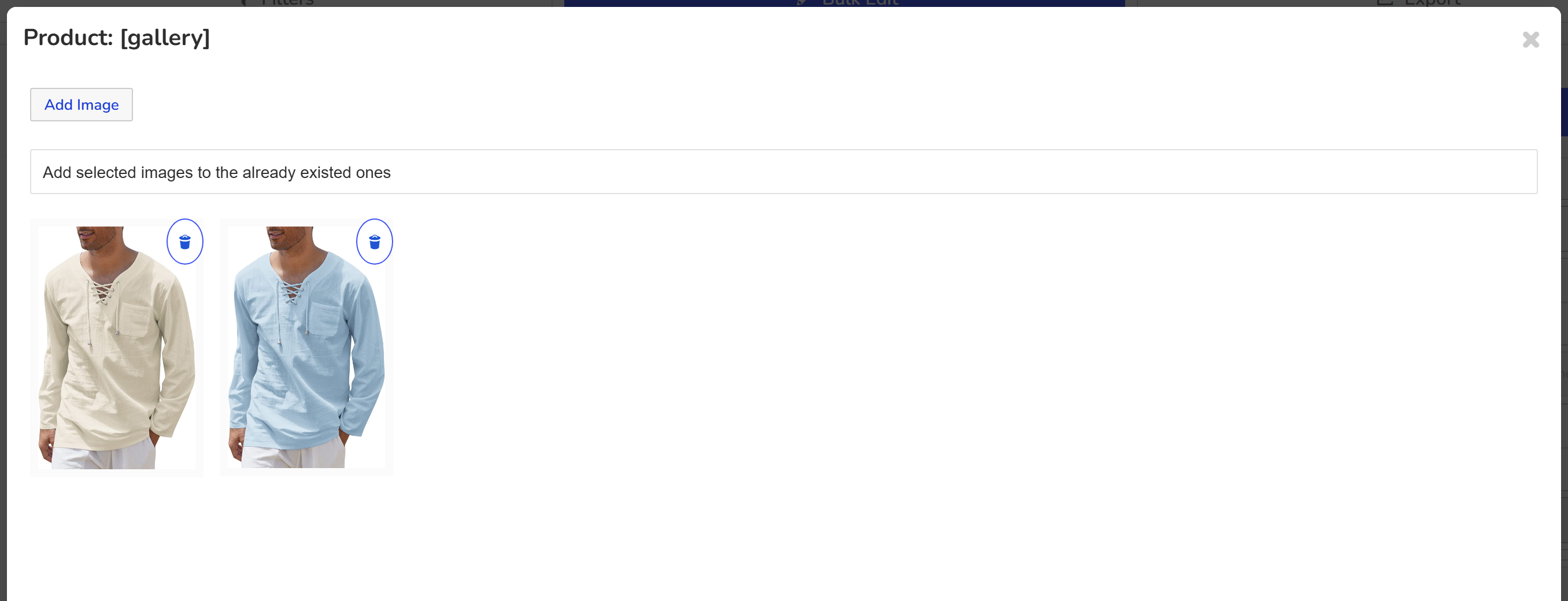
- Using button in the opened popup window add image(s) you want to add to the selected products
- In the drop-down select: 'Add selected images to the products in the popup to the already existed ones'
- Press 'Apply' button
- Press 'Do Bulk Edit' and wait until operation finished
The same algorithm works for images deleting. Note: steps above are actual for the operations 'add' and 'delete' in: 'Download files', 'Cross-sells', 'Up-sells', 'Grouped products'