Meta Fields: bulk edit WooCommerce product meta data
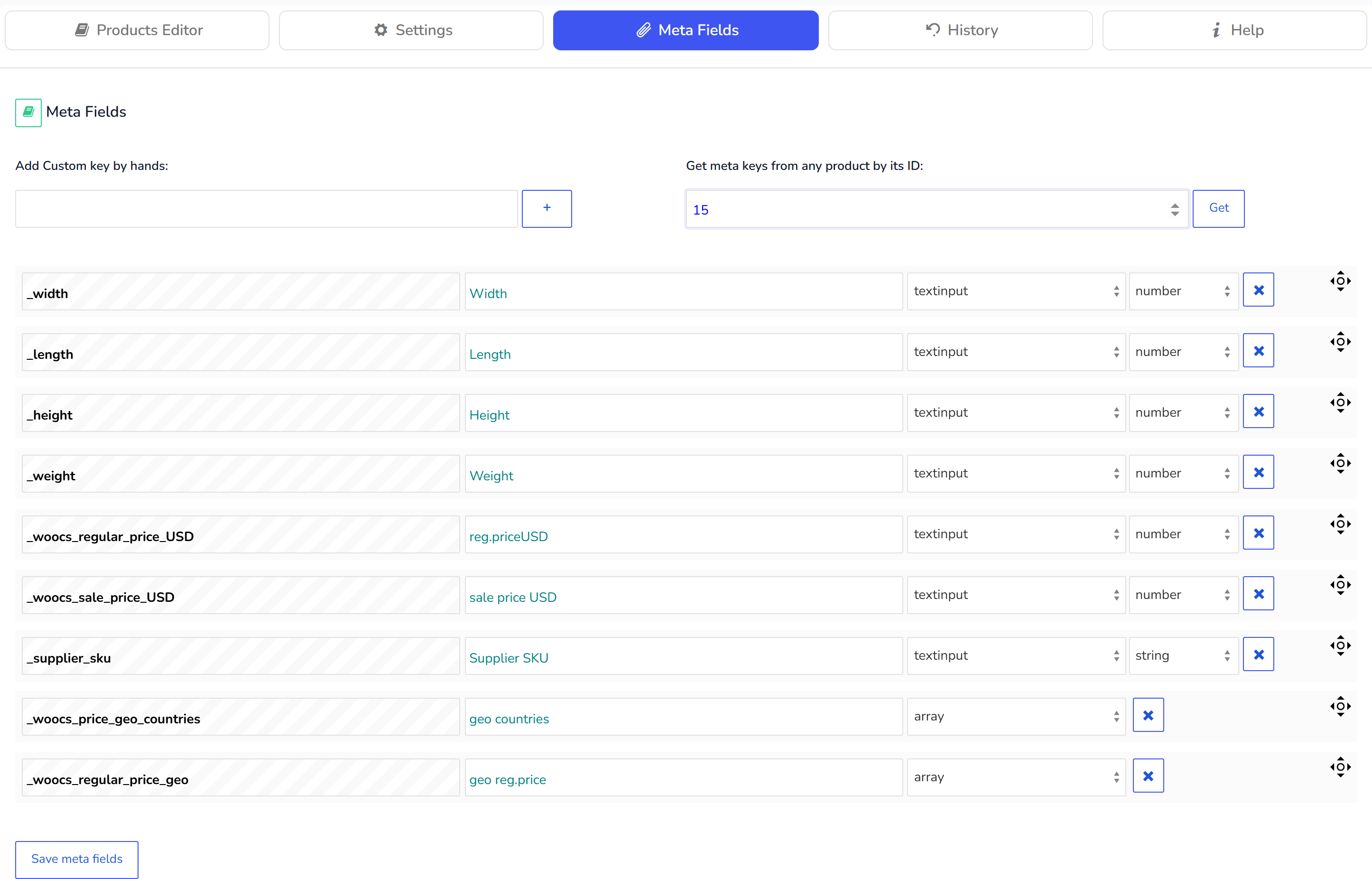
- Add Custom key by hands - add keys by hands, do it when you know meta key
- Get keys from any product by its ID - convenient way get all meta keys and leave all you need. Just drop in the textinput the product ID which has already filled up all meta data you need and press 'Get' button or Enter on your keyboard.
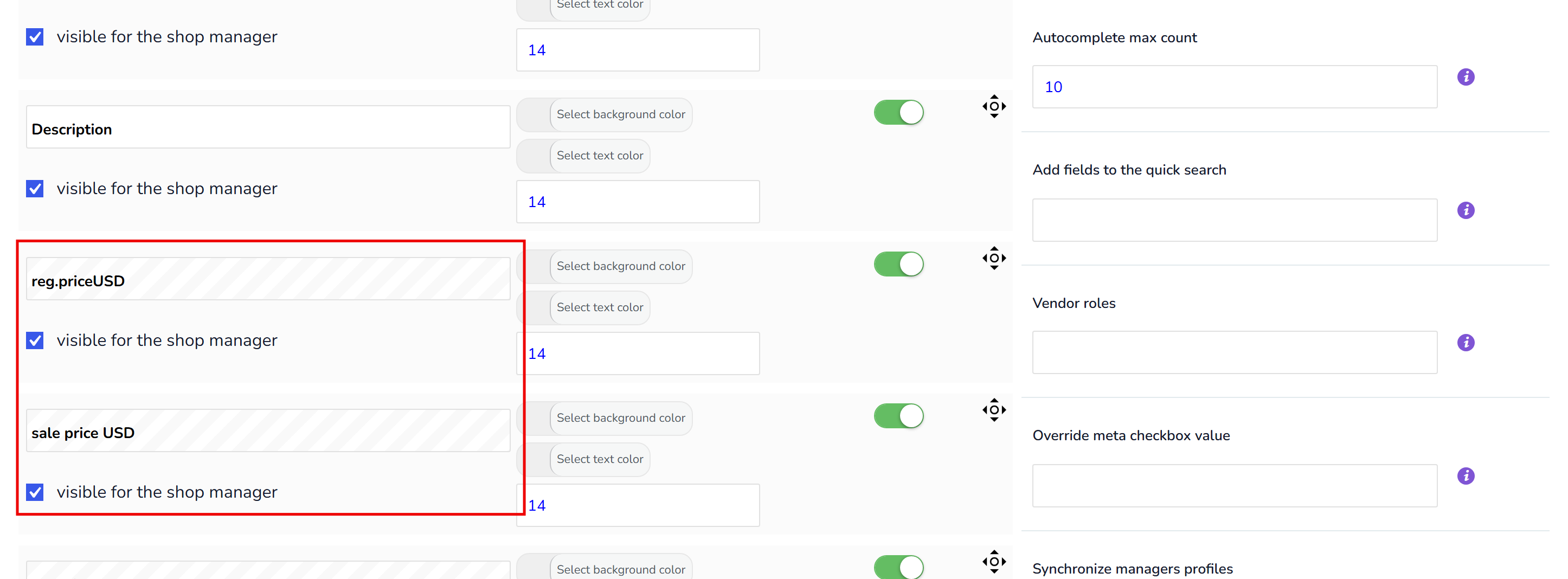
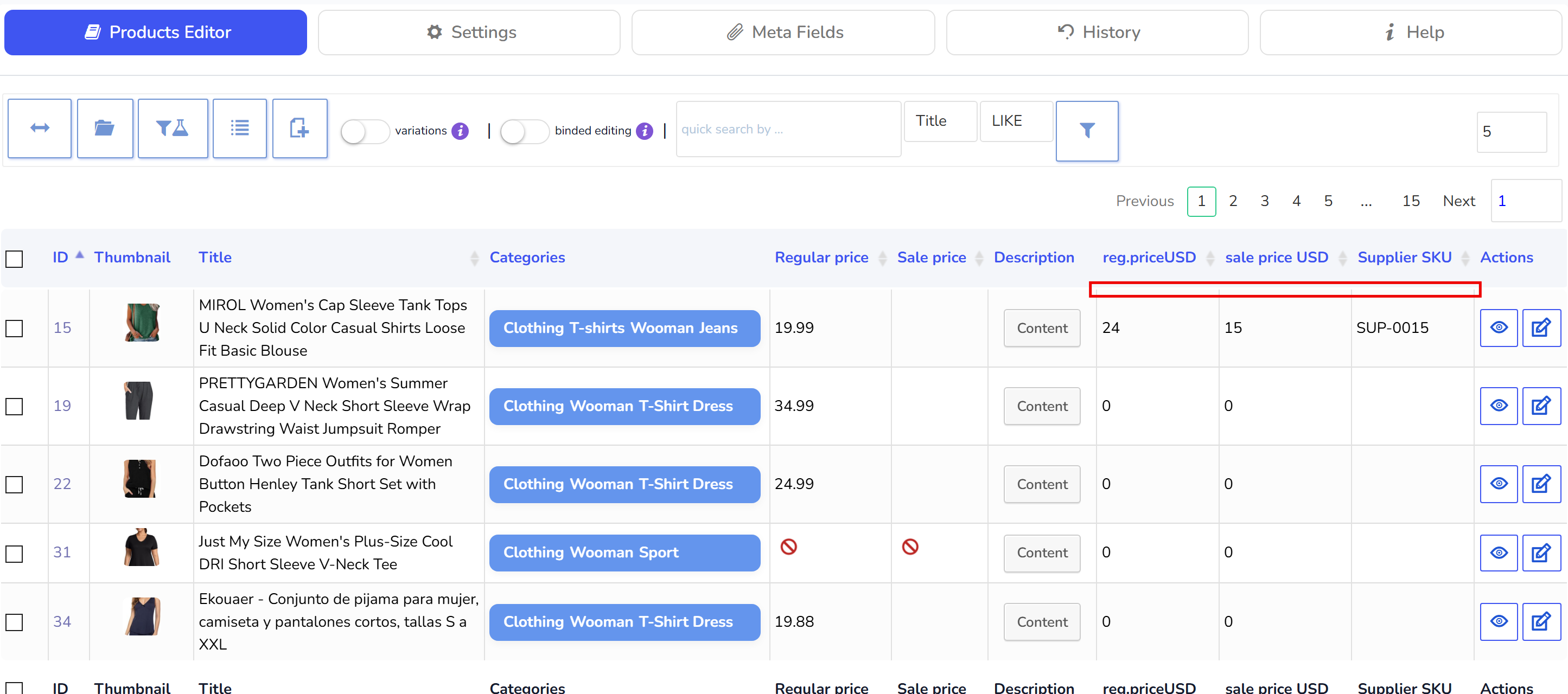
Hint: for meta fields exists special expression which allows copy value from one meta field to another, example {meta:_woocs_regular_price_USD} - if to apply such expression in any meta-field - value from the meta field _woocs_regular_price_USD will be copied there. For example lets consider situation when we have installed WooCommerce Currency Switcher and for each currency in each products we set fixed price! Firstly we should get all keys we need from the any product using its ID in tab Meta Fields, save, rename and then activate them in the columns. So we decided to set sale prices for USD lower than regular prices in USD for 30%. Firstly using Bulk Edit or 'binded editing' lets set value from _woocs_regular_price_USD to _woocs_sale_price_USD using expression {meta:_woocs_regular_price_USD} in sale meta field. Then after bulk operation finished apply 'decrease by %' bulk operation for meta field '_woocs_sale_price_USD '. That is all! One more - meta fields in the example above can be numbers, expression is the string, so before such operation set for that meta fields type as text in the tab Meta Fields, and after finish of the operation switch type of fields back to 'number'.
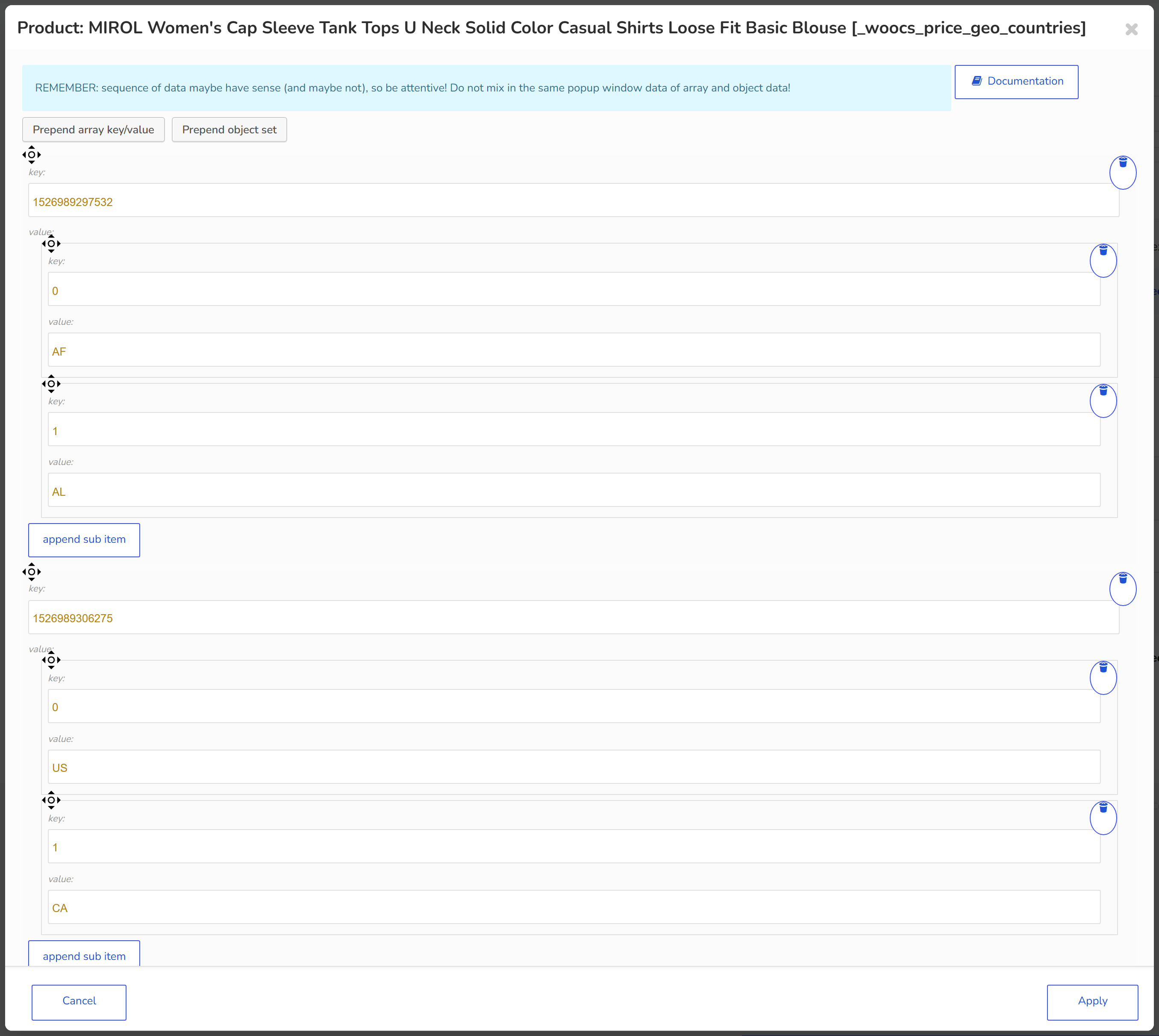
WOOBE also works with jsoned meta data, and it is possible do bulk edit for such data. To enable it select type of field as array and press save button. From now you will be able see data and its structure in the popup: