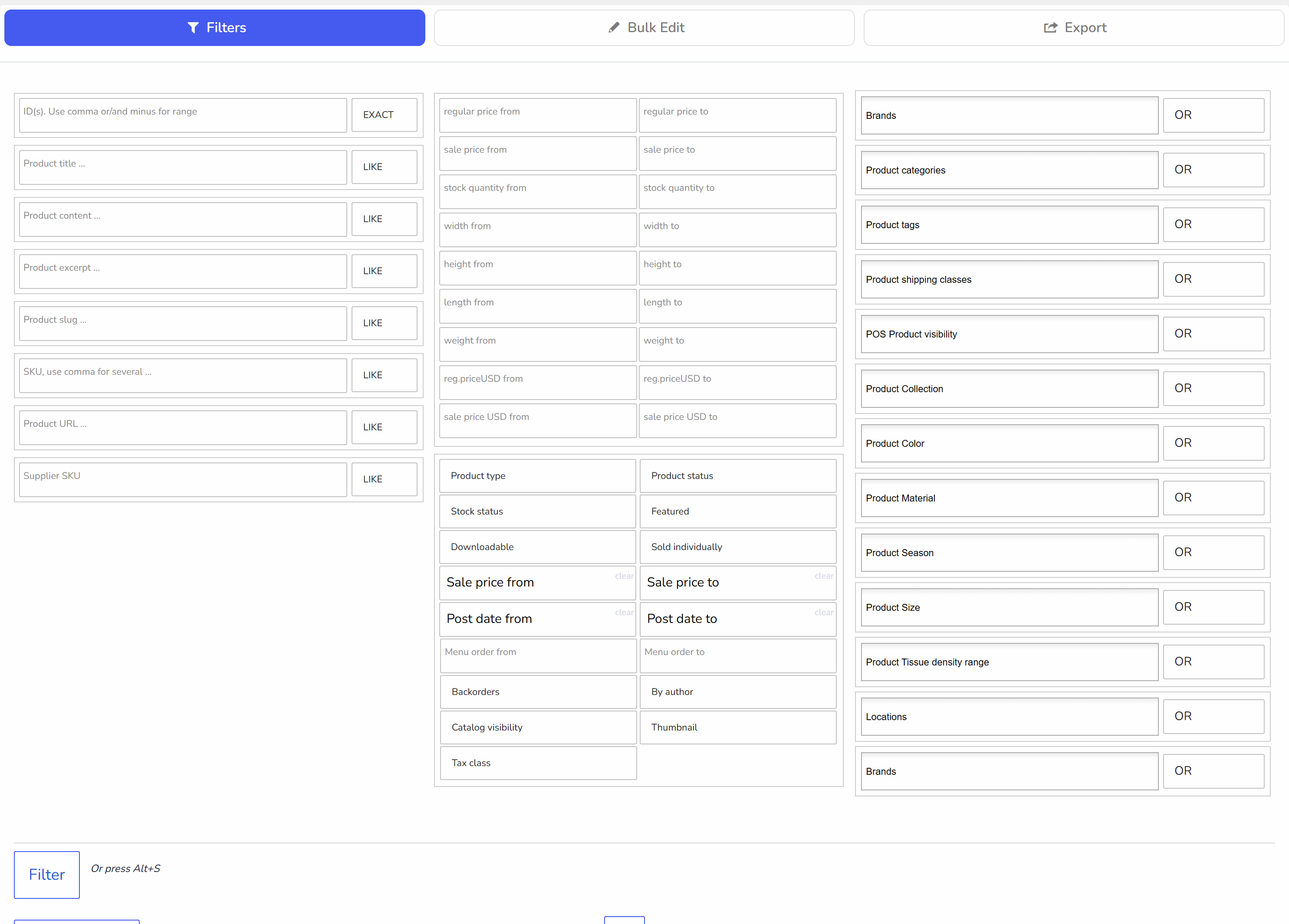
Filters: selecting WooCommerce products for bulk editing
Behavior drop-downs
Near textinputs of the text filters fields you can see drop-downs which declare search behavior:- LIKE - will be found products where textinput value is exact or like a part of the text(title for example)
- EXACT - will be found products where textinput value is exact as in the text(title for example)
- NOT - will be found products where textinput value is not presented
- BEGIN - will be found products where textinput value is on the text(title for example) begin
- END - will be found products where textinput value is on the text(title for example) end
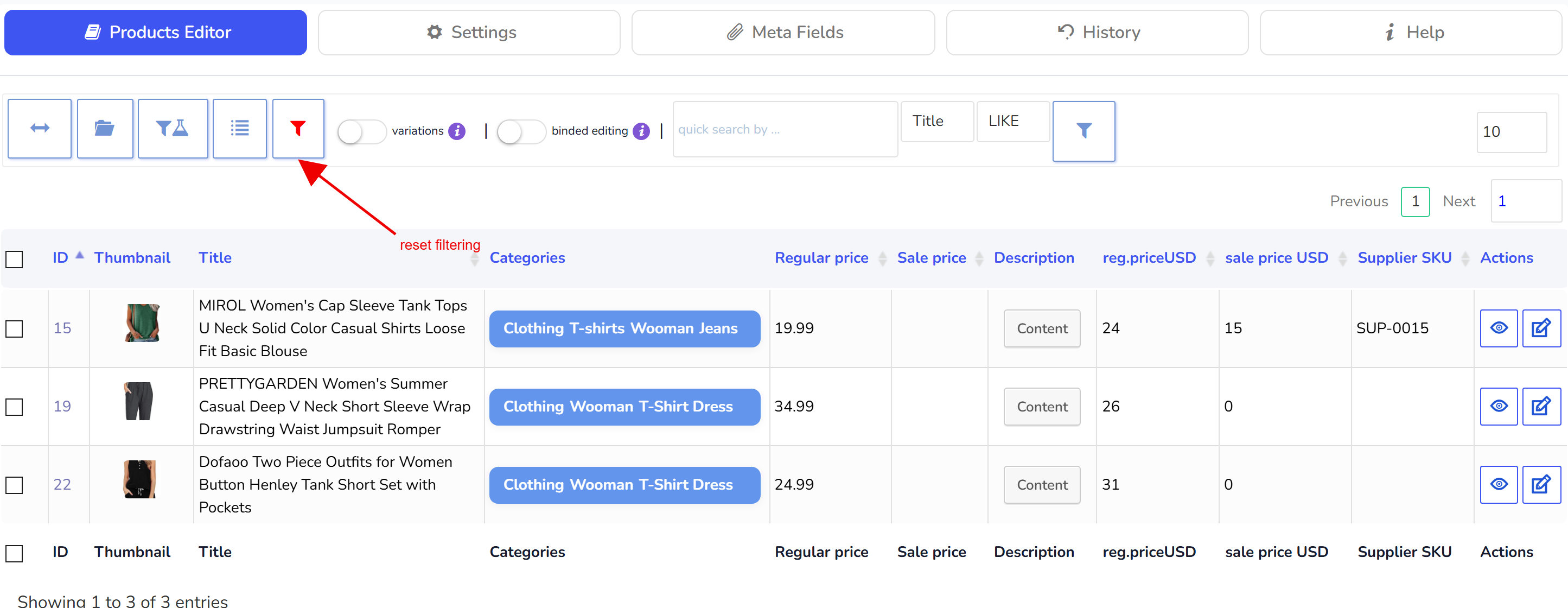
HINT: for text searching you can use next syntax: logo^with^!1111- will be found using behavior 'LIKE' all products where is text-part(title for example) or exact word 'logo' OR 'with' and not (!) such text-part as '1111'. So if we looking for products by titles, will be found smth like: Logo Collection, T-Shirt with Logo, Hoodie with Pocket - all founded titles can not has text-part as '1111'. And make your attention that all operations with NOT (!) should be at the end of the string!! In version 2.0.4/1.0.4 implemented operator AND as sign '^~'. Example: 360^~cats^!mole - find all strings where is '360' AND 'cats' but without 'mole'. To print sign '^' press SHIFT+6. Note: If your shop in Russian language you should install this plugin for correct working of WOOBE with Cyrillic Note: you can save current filter combination using 'Filter profiles' button on the products toolbar in tab Products Editor
Near taxonomies you can see drop-downs which declare search behavior:
- OR - will be found all products which has one of the selected terms
- AND - will be found all products which has all selected terms
- NOT IN - will be found all products which has no one of the selected terms